
Free website Templates, Cheap- damage your Reputation

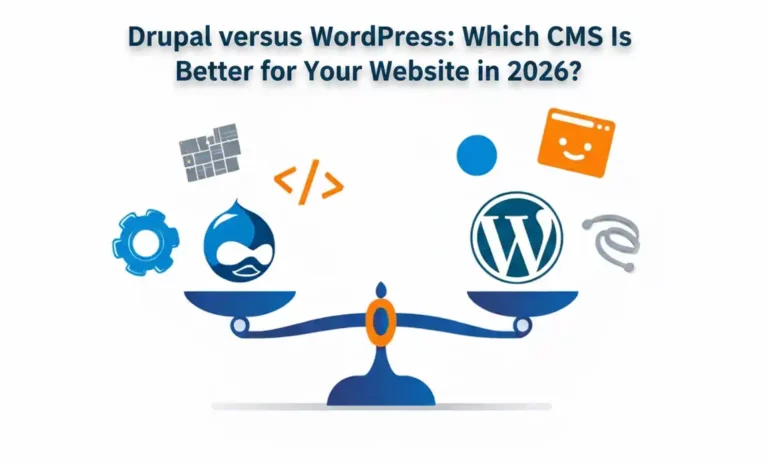
Selecting a CMS in 2026 is more than just creating a website.
It is all about how easy your work will be once the website is up and running.
Some platforms are friendly. Some are heavy. Some offer freedom. Some require structure. Drupal versus WordPress are on opposite ends of this spectrum. Both are popular. Both are trusted. But both are designed for completely different kinds of website owners.
If you make the right choices, your website will be smooth to manage. If not, even the simplest updates begin to feels like a hard to work.
A CMS is more than a backend solution that works and improves. It determines how your website will live from day to day.
This is very important for businesses. A CMS should facilitate business growth, not hinder it. A CMS should be intuitive, not confusing. This is where Drupal versus WordPress reveal their true natures and how they work in the online search.
WordPress continues to gain attention daily because of most people find it easy to interact and work on the website site, becoming a significant portion of the internet by 2026. The dashboard is very friendly. Writing content is like using a normal editor. Creating pages is fast. If you’re new to using the wordpress, feel comfortable using of the interface of the site it after a short while. WordPress is designed to be fast. Not just fast for websites, but fast for work. Launch fast. Launch changes fast. Fix problems fast. Another major reason why WordPress remains so popular is the choices that it offers. Themes. Plugins. Tools. You name it, it exists.
Drupal goes another way. It doesn’t try to be simple for everybody. It is all about structure. There’s the rule of content, user roles, and permissions. When everything becomes complex, that’s when it shines. Big websites like Drupal, those with hundreds of editors, those with flows of approval, and those with strict logics for content. Using this cms does not rush you. It asks you to plan. Once properly set up, it becomes very powerful. However, it expects technical understanding. This makes it a bit less friendly for the amateur, yet very dependable for big systems.
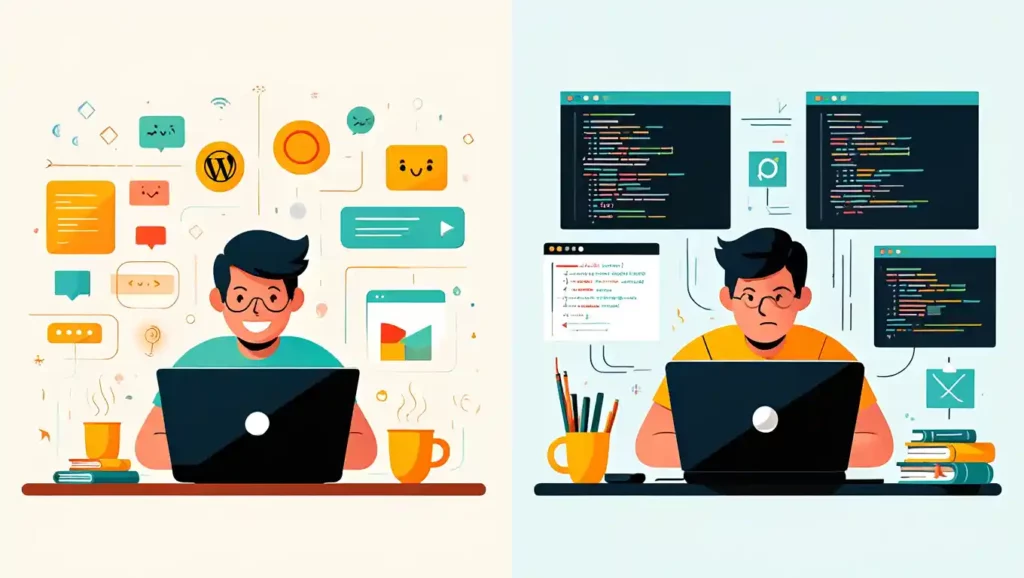
It is in daily use that the majority of CMS choices have a real-world impact. With WordPress, content management is an agile process. Editors can log in and make changes with ease. This is very encouraging. Marketing teams, in particular, like this flexibility. They can act quickly. Drupal is a different story altogether. Editors have to follow certain paths. Fields direct them. Permissions restrict them. This is a very structured process. It is less prone to errors, but it is also a slow process.
Both can be customized. The way is not the same.
Customization of WordPress is done through plugins and themes. This is very easy and convenient. However, using too many plugins may cause clutter if not organized properly.
Customization in Drupal is at a deeper level. Content models are developed in a thoughtful manner. Logic is designed. It is slower, but cleaner for big builds.
From an entrepreneurial perspective, WordPress is generally less expensive upfront. WordPress is faster development and is very widely supported. This makes it very attractive for use in small to medium-sized development teams. Drupal development requires a higher upfront investment due to planning as well as know-how. But in the end, it will save the entropy present in a huge complex environment. The distinction is not simply a matter of dollars and cents, it’s about time, manpower, and brain cycles the platform imposes on your team.
Over time:
Both can be effective in search engine results and speed if optimized. WordPress provides ease of SEO to the content team. This encourages consistency, which is more important than tools. Drupal is best for performance when it comes to large websites and traffic. It is designed in such a way that it can handle pressure. In reality, the content is more important than the tool. It provides support for execution but does not replace planning.
| Aspect | WordPress | Drupal |
|---|---|---|
| Ease of Use | Very easy for beginners and non-technical users | Requires technical knowledge to manage |
| Setup Speed | Quick setup using themes and plugins | Slower setup due to planning and configuration |
| Content Editing | Simple editor with flexible content updates | Structured content editing with fixed fields |
| Customization | Mostly plugin-based and theme-driven | System-based customization with deeper control |
| Development Time | Faster development and launch | Longer development cycle |
| Maintenance | Easier maintenance with common updates | Needs regular technical maintenance |
| Cost | Lower initial development cost | Higher cost due to complexity |
| Scalability | Works well for small to mid-size sites | Ideal for large and complex websites |
| Best For | Business sites, blogs, marketing websites | Enterprise platforms, portals, large systems |
For most business websites in 2026, WordPress is the better choice.
It enables faster updates. Easy marketing. Reduced stress.
Drupal is appropriate when:
It all depends on how your business operates. Final Thoughts: Selecting What Suits Your Team. There is no such thing as the “best” CMS in 2026. There is only the “right” one for you. WordPress is all about speed, comfort, and flexibility. Drupal is all about structure, control, and reliability. The smarter choice is the one that fits your team’s current way of working and future plans. A CMS should lower resistance, not raise it. A Drupal versus WordPress CMS should be an invisible helper, not a daily problem.

we help create the brand experiences of the future through a creative culture rooted in entrepreneurship and partner collaboration.
Address
407, 2nd Main Rd, B Channasandra, Kasturi Nagar, Bengaluru, Karnataka 560043
Phone




© 2026 Kleverway, Bangalore.
WhatsApp us